It has been a while since we released the GatherContent Connector for Sitefinity. While there is still a long way to go, there are quite a few interesting use cases the connector has helped us with.
Use Case 1 - Transforming Lists to Dynamic Content
A telecom client had around 500 content pieces stored in Sitefinity's built-in Lists module. The problem was that Lists have certain limitations, and after some consulting we quickly concluded the content needed to move to dynamic content instead.
The migration options were: manual, a custom export/import script (the classic ASPX page approach), or export to GatherContent and use the built-in GatherContent connector import functionality. We went with the GatherContent approach and it worked very well. The work on the GatherContent module side - excluding the export - took around 2 to 3 hours.
Use Case 2 - Writing Internal Project Documentation
We run an internal Sitefinity instance for project management. We wanted all project documentation stored there for future reference - so that searching "How do I create a new credit card for Bank X" would actually return the relevant documentation for any team member.
The challenge is that documentation generation requires many iterations. Sitefinity is great for content editing (blogs, pages, etc.) but in our opinion is not well equipped for content collaboration. This is where GatherContent shines. It is essentially a headless CMS, and standardising documentation with basic text and HTML formatting - leaving design elsewhere - is exactly the right approach.
The workflow: create a new item, add H1s for the key sections, then right-click to add inline comments per section. Each section gets its own easy-to-track conversation thread.

Once imported into our internal Sitefinity, we use Kendo's drawing capabilities to convert documents to PDF on demand (html2pdf is complex, so we use a controlled subset of features). One interesting challenge: Kendo drawing does not allow images from another domain (cross-origin), so we plugged into the GatherContent connector event hub API, downloaded images to our Sitefinity instance, and replaced the links. Quick and dirty, but it works. That custom work took around 2 hours.
The end result: with a Projects classification in place, any team member can click a project filter in our internal network and immediately see everything - documentation, related blog posts and more. All in one view.
Use Case 3 - Cloning GatherContent Connector Documentation to Our Site
This one is still a work in progress. We created a page template, a mapping and a content block, then synced the GatherContent connector documentation from the GatherContent account directly to our website. There are a few small glitches still to address.
You can see this experiment in production here: GatherContent Connector for Sitefinity Documentation.
Related Posts

CMS Pricing in 2026: Sitecore vs Sitefinity vs Umbraco - A Decision Framework
A practical decision framework for CMS pricing in 2026 - comparing Sitecore, Sitefinity, and Umbraco...

Custom MCP vs. Off-the-Shelf: When Does Building Your Own Make Sense?
Generic MCP connectors exist for popular tools. But when your system is proprietary or your workflow...
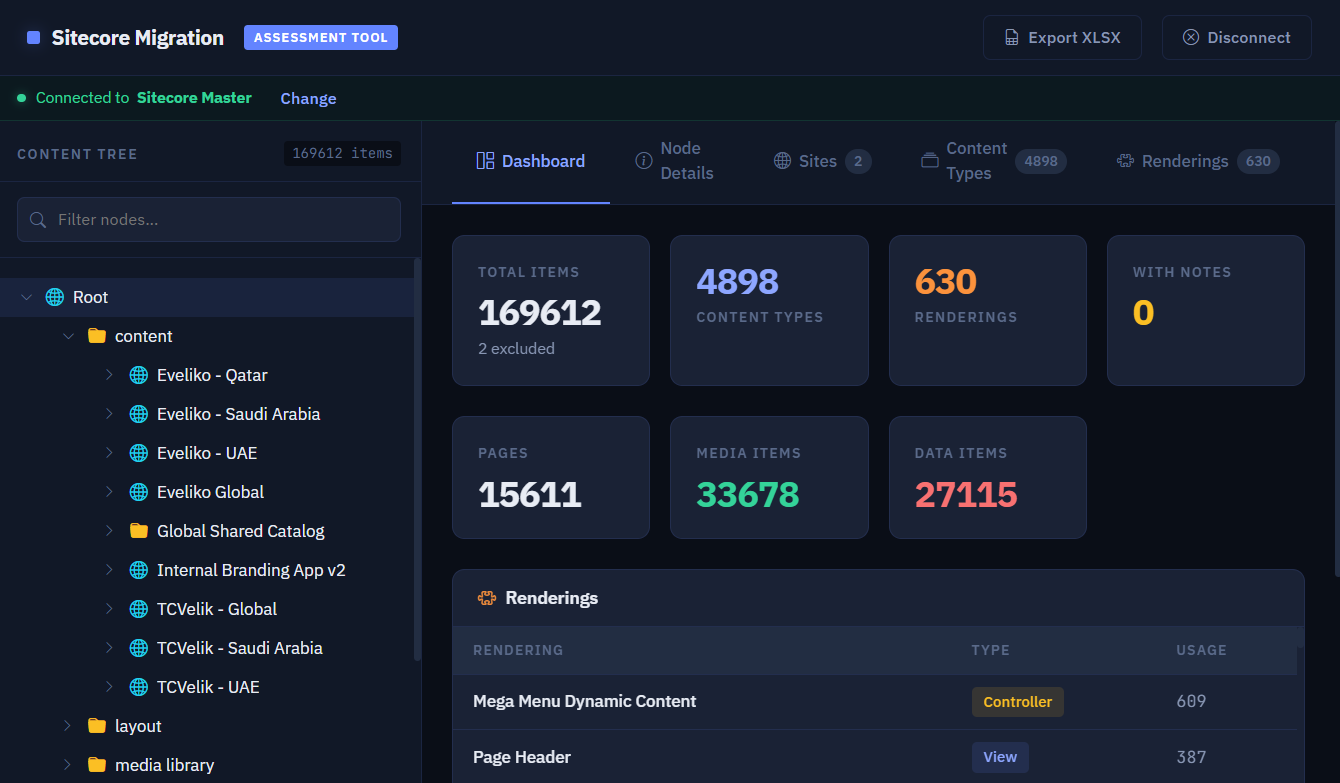
Chameleon v1.2 Released - Sitecore Improvements and SharePoint Migration Preview
Chameleon v1.2 is here - with improved Sitecore assessment accuracy, a preview of the upcoming Share...